Guides
How many pages can you read in an hour?
Reading speed is usually given in words per minute, but books are measured in pages. Here is what research says about the average, how to work out your own pages per hour and how long your next book is likely to take.
Updated
Coming soon · iPhone with iOS 17 or Android 8 and later
Notify me at launch
What the average looks like
In 2019, psychologist Marc Brysbaert reviewed 190 studies of reading speed. Adults reading English silently averaged about 238 words per minute for non-fiction and 260 for fiction. Most readers were somewhere between 175 and 320 words per minute.
A page of a paperback novel often holds around 250–300 words. At an average pace, that is roughly 50–60 pages an hour of light fiction. Dense non-fiction, small print and textbooks take much longer per page.
These figures are for English. Studies in other languages give different numbers, partly because words are longer or shorter. That is one more reason to measure pages and minutes with your own book.
Why your number is different
The same reader can read 60 pages an hour one evening and 20 the next. A few things make the difference:
- The book. Page size, font and margins change how much text is on a page. Dialogue goes faster than long descriptions or arguments.
- Why you are reading. Reading for pleasure is faster than studying, rereading or taking notes.
- Your day. A tired evening is slower than a quiet morning.
Faster is not always better. A review of reading research found that speed reading usually comes at the cost of understanding. A pace at which you follow the book is the right pace.
Measure your own pace
You only need the book you are reading and a timer:
- Note the page where you start.
- Read for 20–30 minutes at your usual pace, without trying to speed up.
- Note the page where you stop.
- Divide the pages you read by the minutes and multiply by 60.
For example, 14 pages in 25 minutes is 14 ÷ 25 × 60 ≈ 34 pages an hour.
One session gives a rough figure. For a better one, add up the pages and minutes from several sessions and divide the totals.
Work out how long a book will take
Divide the pages left by your pages per hour to get the hours. To turn that into days, multiply by 60 and divide by the minutes you read each day.
For example, a 300-page book at 40 pages an hour takes about 7.5 hours, or 450 minutes. At 20 minutes a day, that is about 23 days. At 45 minutes a day, it is 10 days.
Use the page count of your own copy: different editions of the same book can differ by dozens of pages.
Three measurements, worked through
These are invented sessions for one book, not research results or a benchmark:
- Session 1: 12 pages in 20 minutes.
- Session 2: 18 pages in 30 minutes.
- Session 3: 9 pages in 15 minutes.
Together, that is 39 pages in 65 minutes. Divide the totals: 39 ÷ 65 × 60 = 36 pages an hour. Use reading time with breaks removed, and measure the same book so changes in page layout do not distort the comparison.
With 180 pages left, the estimate is 180 ÷ 36 = 5 hours, or 300 minutes. At 15 minutes per reading day, that is 20 reading days. If you read five days a week, allow about four weeks rather than 20 calendar days. A different book or a difficult chapter may change the estimate.
To repeat this yourself, write pages read · minutes read after each session, then total both columns. For a yearly plan, see how many books fit into your reading time.
Let Pagetime keep count
In Pagetime, start a reading session when you open the book and stop it when you finish. At the end, enter the page you reached. You can skip it, but without pages Pagetime cannot work out your pace.
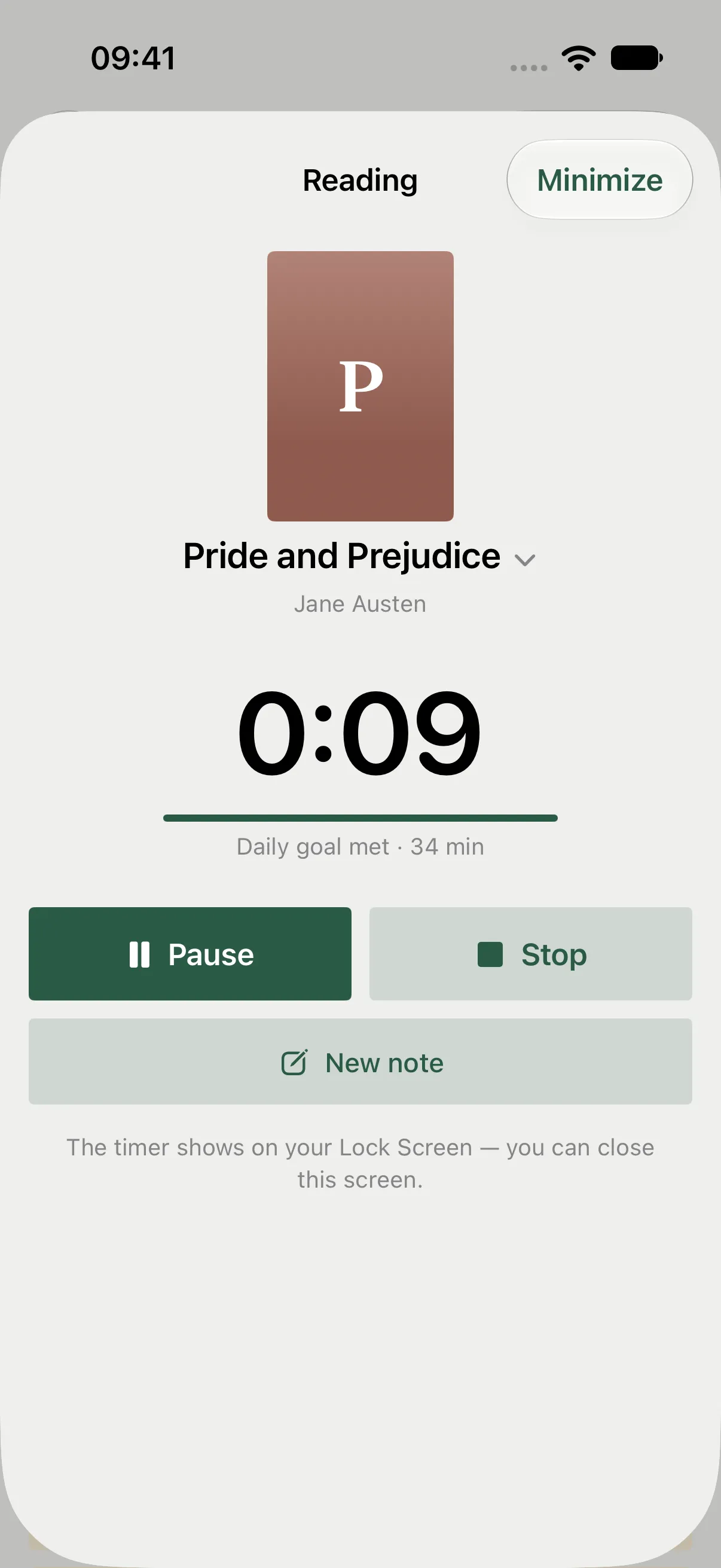
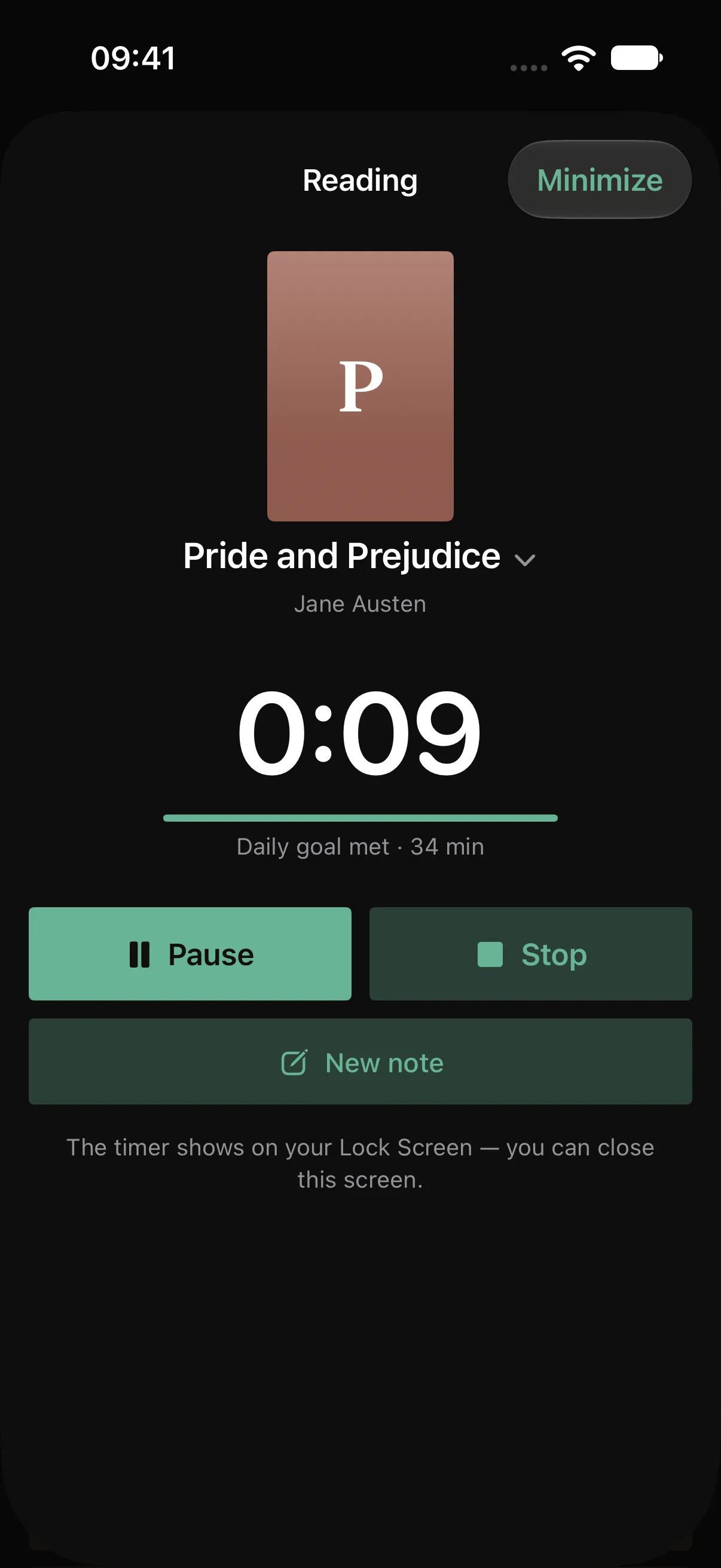
The timer runs while you read.
From sessions with both time and pages, Pagetime works out your pace for each book. If the book has a page count, its card shows how much time is left: “At your pace, about 2 hr, 18 min left”. For a book in “Want to read”, the estimate uses your pace across the whole library.
To decide how many minutes a day to aim for, see how to build a daily reading habit.
The free version holds up to 5 books and includes 20 page scans with text recognition in total. Deleting a note does not restore a used scan. Notes and the timer work offline without an account; sync is free after signing in. A subscription removes the book and scan limits and unlocks your full stats history, year in review and folder export. Pagetime is coming to iPhone and Android; you can leave your email below to hear when it is available.
This independent guide is published by Pagetime and is not authorized, sponsored or endorsed by Apple Inc. or Google LLC.
Keep reading
How to find time to read
No time to read? A few minutes here and there add up. Where to find them, how to make starting easier than scrolling and how Pagetime helps on iPhone and Android.
Read the guide
Does speed reading work?
Can you double your reading speed without losing understanding? What a large review of reading research found, what skimming is good for and what really makes you faster.
Read the guide
A reading timer for iPhone and Android
Track time spent reading paper books with your phone. A simple way to start, pause for breaks and keep your place, with a look at Pagetime.
Read the guide