Guides
How to build a daily reading habit
A reading habit grows from short, regular sessions, not from long ones you rarely have time for. Here is how to choose a goal you can meet on a busy day, keep going after a missed day and see your progress.
Updated
Coming soon · iPhone with iOS 17 or Android 8 and later
Notify me at launch
Choose a goal you can meet on a busy day
Set your goal in minutes rather than books or pages. Ten minutes is ten minutes whether you are reading a thin novel or a dense history book, but the number of pages you get through in that time can vary a lot. More on that in the guide on how many pages you can read in an hour.
Pick a number that fits an ordinary weekday, not your best day. Ten or fifteen minutes is a fine start. If it feels too easy after a few weeks, raise it.
Small numbers add up. Twenty minutes a day is about 120 hours a year. At 40 pages an hour, that is roughly 16 books of 300 pages.
Tie reading to a moment you already have
A new habit is easier to keep when it follows something you already do every day: morning coffee, the train to work, the last minutes before you turn off the light. Choose one moment and keep the book there, on the bedside table or in your bag.
Short sessions count. Two sessions of ten minutes meet a 20-minute goal just as well as one session of twenty.
Keep your phone out of the way
It is easy to pick up the phone for a second and lose half an hour. Put it face down, out of reach or in another room while you read.
If you time your reading on your phone, start the timer and lock the screen. The guide to a reading timer shows how to do this with the Clock app or with Pagetime.
Count days, and allow a missed one
A streak is the number of days in a row on which you met your goal. It makes regular reading visible: you can see how many days you have kept going.
Some days you will not read: you are ill, travelling or simply too tired. One missed day does not undo the weeks before it. What matters is the next day.
Pagetime counts it the same way. A streak freeze covers one missed day per calendar week, so the streak keeps going. The calendar marks that day with a snowflake. You can turn the freeze off in settings. Today does not break your streak while it is still today.
A small plan you can fill in today
Copy these four lines onto paper or into your notes:
- After: something already in my day.
- Where: the place where I will leave the book.
- Goal: a reading time I can usually fit in.
- After a missed day: the next moment when I can read again.
A made-up example: “After breakfast, at the kitchen table; the book stays beside my cup. My goal is 10 minutes. If I miss a day, I will try again after the next breakfast.” Choose your own moment; mornings are not a requirement.
Suppose the first four days are 10, 6, 0 and 12 minutes. That is 28 minutes of reading and two days on which the 10-minute goal was met. The six-minute session still counts as time read. This example is arithmetic, not a promise about forming a habit in four days. At the end of the week, check whether the moment worked before raising the goal.
Set it up in Pagetime
Choose a daily goal of 10, 15, 20, 30, 45, 60 or 90 minutes; the default is 20. While you read, a bar under the timer shows how close you are to the goal.
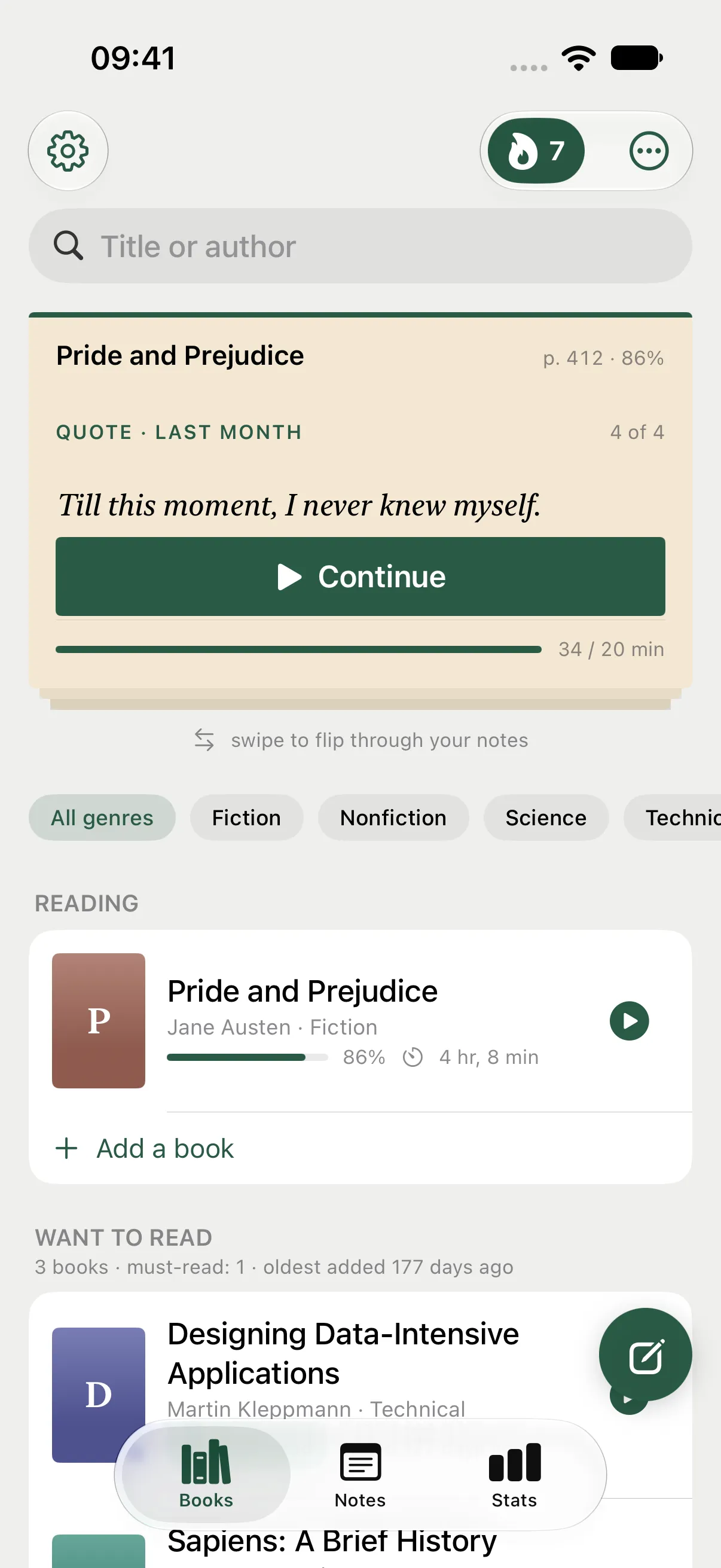
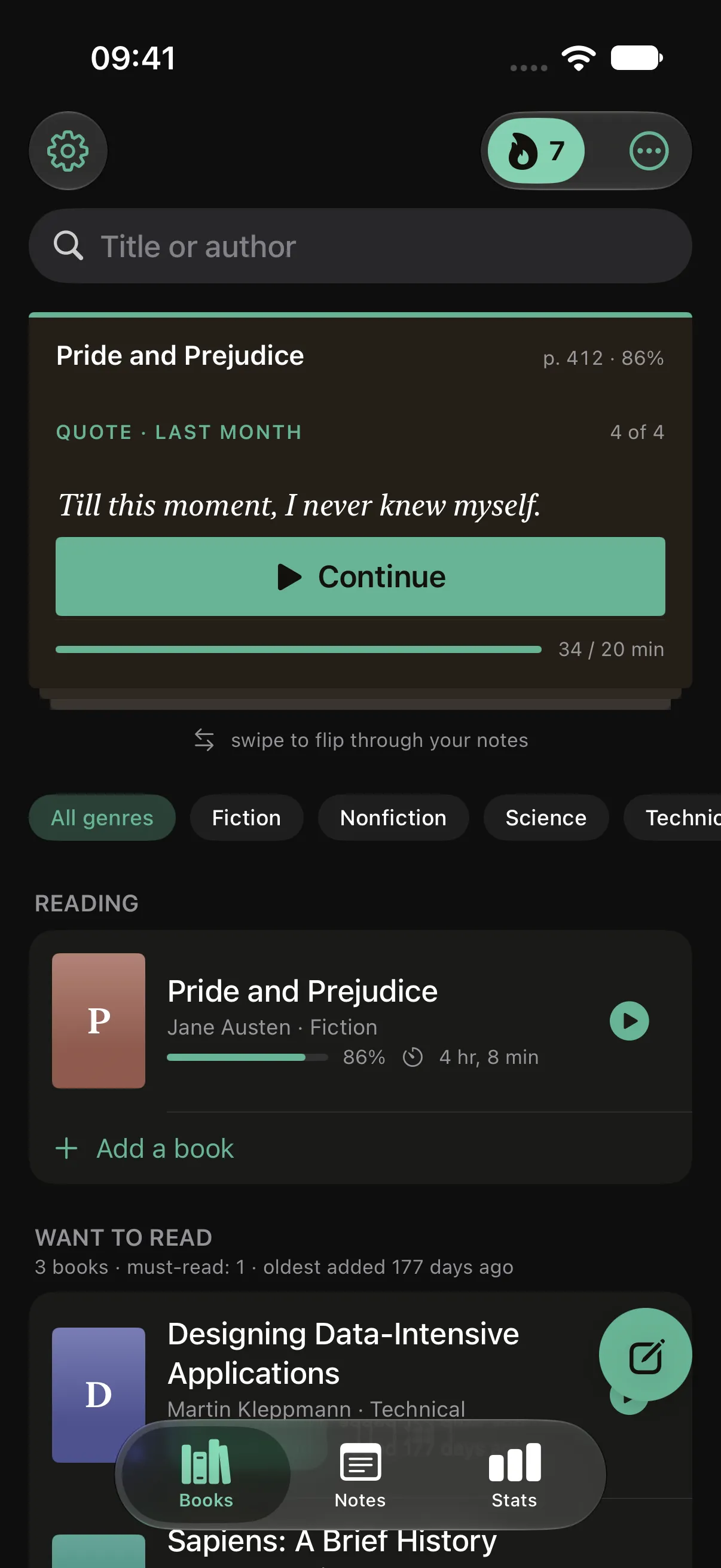
The book where you left off, with today’s progress at the bottom.
A few more things help you come back to the book:
- Reminders. “Time to read” arrives at the time you choose. Another notification can tell you when your streak could break. You can turn off each type separately, and Pagetime does not send notifications while you are reading.
- Home screen widget. It shows the book where you left off, your daily goal and your streak. Tap it to open the reading screen.
- Calendar. Days when you met your goal are filled in, so you can see the whole month at a glance.
Look back at the month
A single day says little. Statistics show your sessions, your reading time for the week and a summary of each month: how much you read, which books you finished, how many you added and how many notes you wrote.
The free version holds up to 5 books and includes 20 page scans with text recognition in total. Deleting a note does not restore a used scan. Notes and the timer work offline without an account; sync is free after signing in. A subscription removes the book and scan limits and unlocks your full stats history, year in review and folder export.
Pagetime is coming to iPhone and Android. You can leave your email below to hear when it is available. Until then, pick a moment for tomorrow and keep the book there.
This independent guide is published by Pagetime and is not authorized, sponsored or endorsed by Apple Inc. or Google LLC.
Keep reading
How to find time to read
No time to read? A few minutes here and there add up. Where to find them, how to make starting easier than scrolling and how Pagetime helps on iPhone and Android.
Read the guide
How to keep a reading streak
A reading streak shows how many days in a row you have read. How to start one, how to keep it through busy days and how to stop it from turning into pressure, with Pagetime.
Read the guide
A reading timer for iPhone and Android
Track time spent reading paper books with your phone. A simple way to start, pause for breaks and keep your place, with a look at Pagetime.
Read the guide